i3 Blue Edition
Clean, minimal i3wm configuration focused on a coherent blue aesthetic and low resource use.
branch · i3-blue
Overview
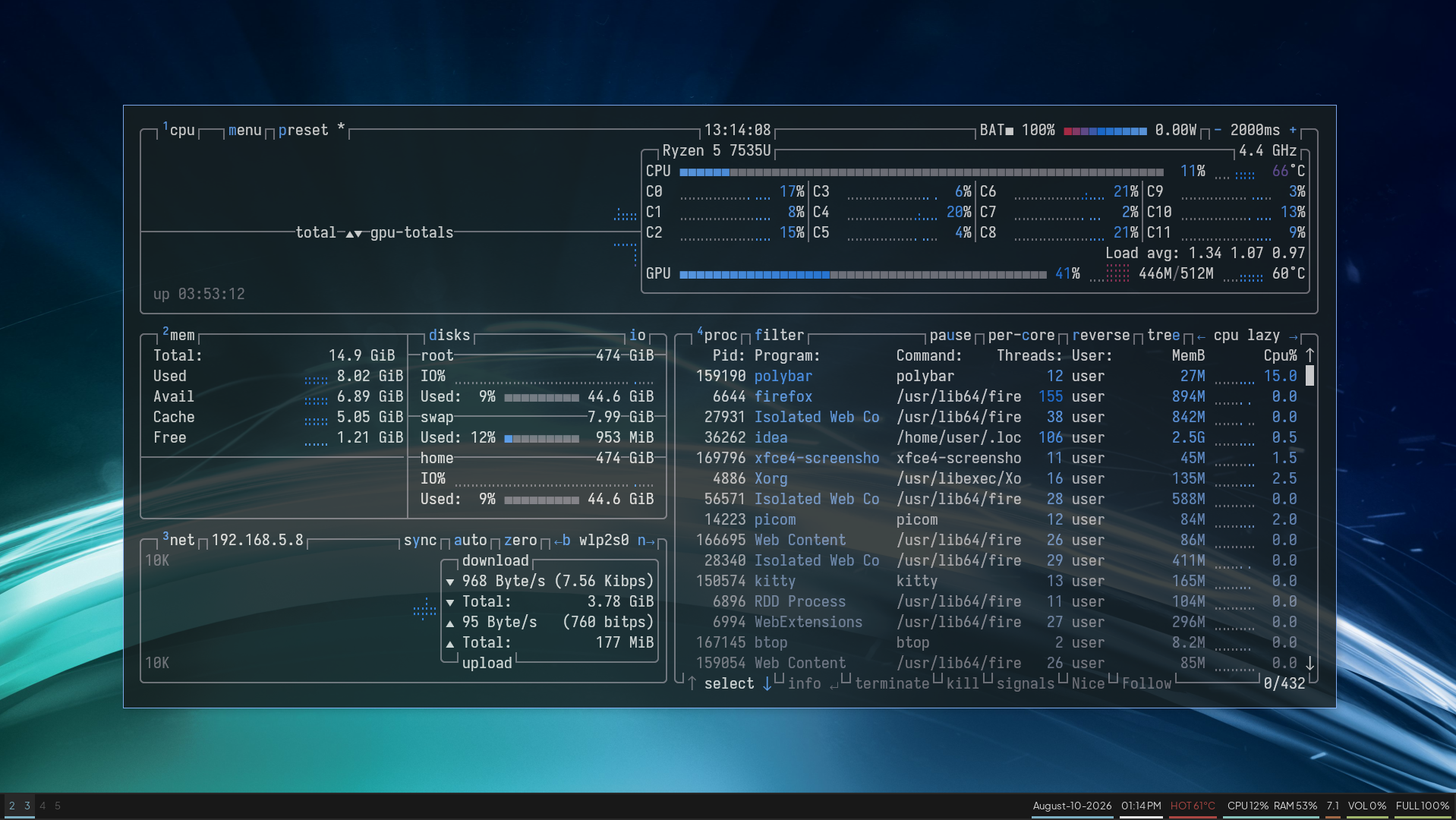
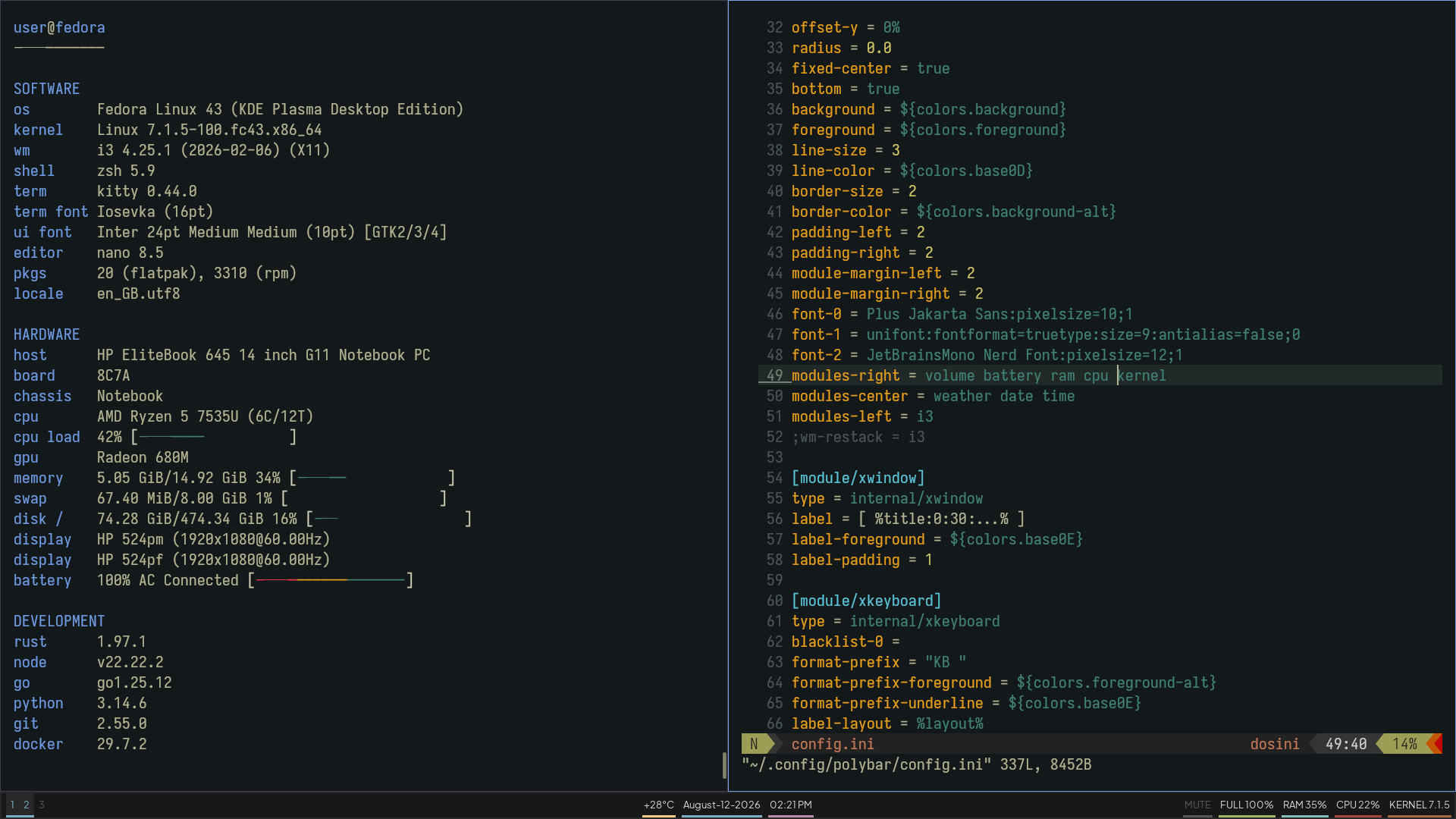
This setup pairs i3 with Polybar, Rofi, Picom, Dunst and Kitty. The visual language is deliberately restrained: dark backgrounds, thin underlines, short labels and a single accent family.
Polybar shows weather, date, time, volume, battery, RAM, CPU, temperature and kernel version. Notifications use a matching dunst theme with bottom accent lines.
Preview

Dependencies
Install the packages below for your distribution. Names can differ slightly between releases.
Fedora
sudo dnf install i3 polybar rofi picom dunst kitty \
  i3lock-color feh scrot ImageMagick flameshot \
  brightnessctl playerctl network-manager-applet \
  autorandr curl
Arch Linux
sudo pacman -S i3-wm polybar rofi picom dunst kitty \
  i3lock-color feh scrot imagemagick flameshot \
  brightnessctl playerctl network-manager-applet \
  autorandr curl

# AUR (if needed)
yay -S i3lock-color
Debian / Ubuntu
sudo apt install i3 polybar rofi picom dunst kitty \
  i3lock feh scrot imagemagick flameshot \
  brightnessctl playerctl network-manager-gnome \
  autorandr curl

# i3lock-color is usually preferred (build from source or PPA)
openSUSE
sudo zypper install i3 polybar rofi picom dunst kitty \
  i3lock feh scrot ImageMagick flameshot \
  brightnessctl playerctl NetworkManager-applet \
  autorandr curl
Fonts
- Plus Jakarta Sans fonts.google.com
- Iosevka Nerd Font nerd-fonts releases
Place the files in ~/.local/share/fonts or ~/.fonts, then run:
fc-cache -fv
Lockscreen
Copy the lock script and make it executable:
cp .config/lock ~/.local/bin/lock
chmod +x ~/.local/bin/lock
Bound to Mod + L by default.
Quick start
git clone -b i3-blue https://github.com/user7210unix/dotfiles.git
cd dotfiles
cp -r .config/* ~/.config/
# install fonts, then
fc-cache -fv
# restart i3 or log out / in